What it looks like
One list, one job: what is still waiting on you

The reminder that will not shut up until you tap Done.
Ordinary reminders ring once and give up. Pester keeps coming back, every few minutes, a little louder each time, until the thing is actually done.
Android 8.0 and newer · Free for 3 active reminders · $4.99 once for unlimited · No ads, no subscription, no account
What it looks like
Features
Most reminders assume you will act the first time. Pester assumes you will swipe it away, get distracted and forget. So it comes back.
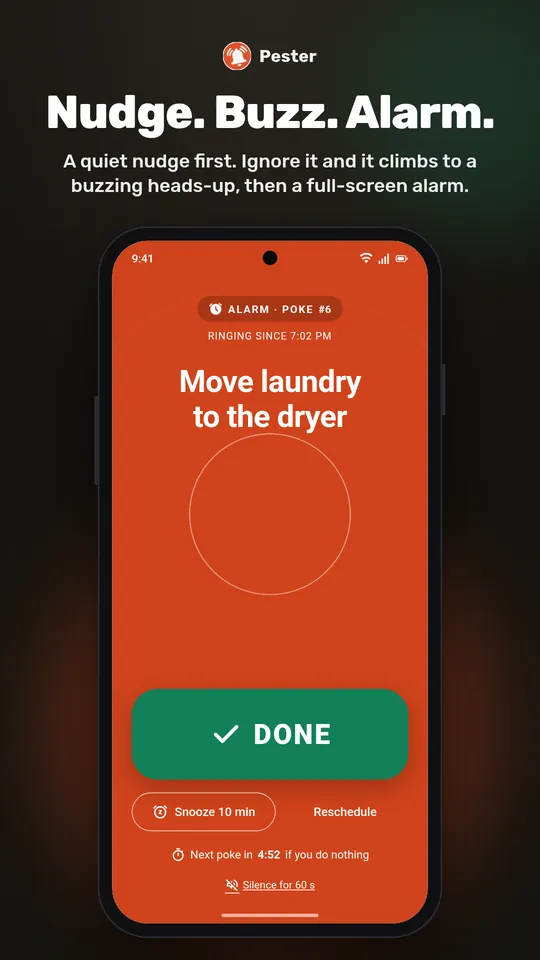
A quiet Nudge first. Miss it and you get a Buzz with sound and vibration. Keep ignoring it and you get a full-screen Alarm over the lock screen. No cap. It stops when you tap Done.
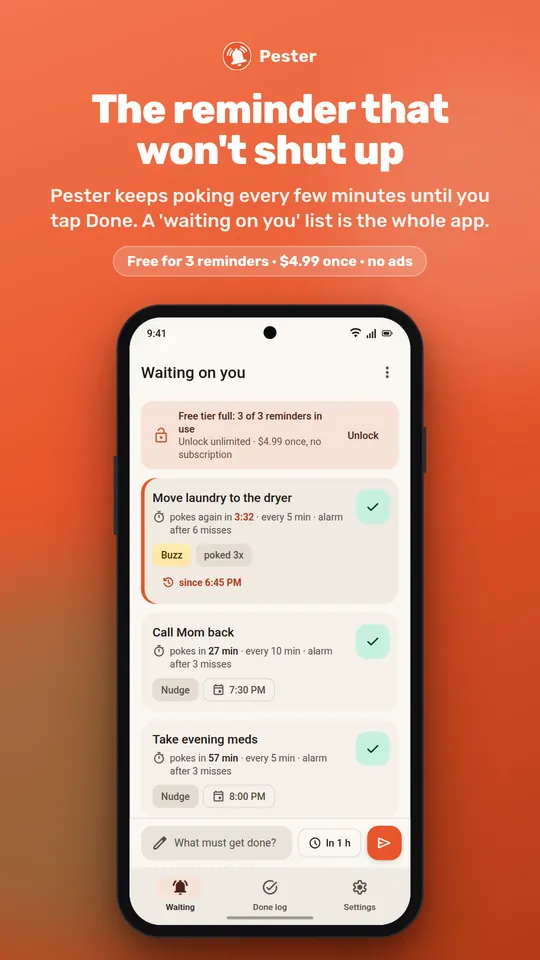
One list of everything still open. Each card shows when it pokes next and how many times it already has. Swipe right for Done, left to snooze.
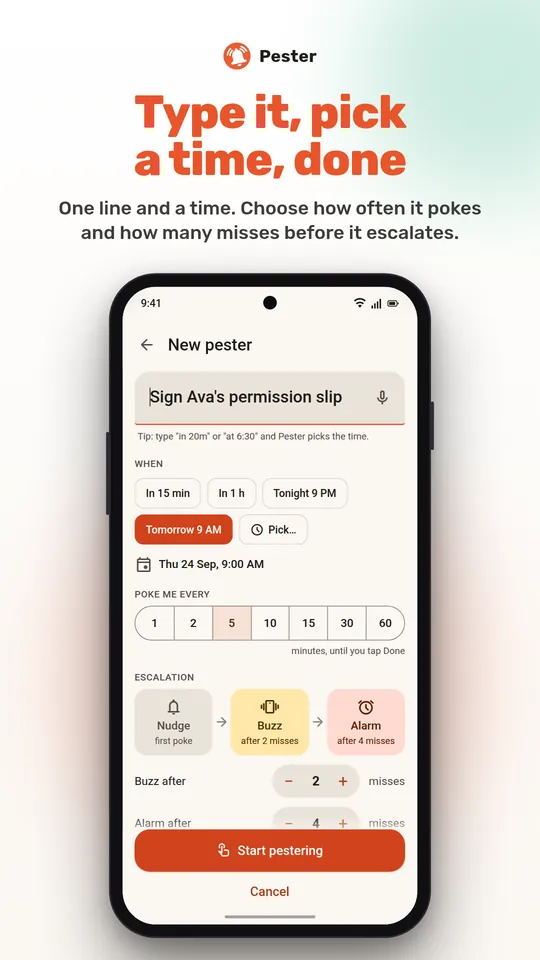
"Move laundry in 20m" or "call the vet at 6:30" and Pester picks the time. Chips for in 15 min, in 1 h, tonight and tomorrow morning. Or hit the mic and speak it.
Snooze 10 minutes or an hour, reschedule to a real time, or tap Forget it. Every option is on the notification and on the ringing screen, so you never have to open the app in a hurry.
Between the hours you set, pokes stay silent. They do not stop. They are waiting for the morning.
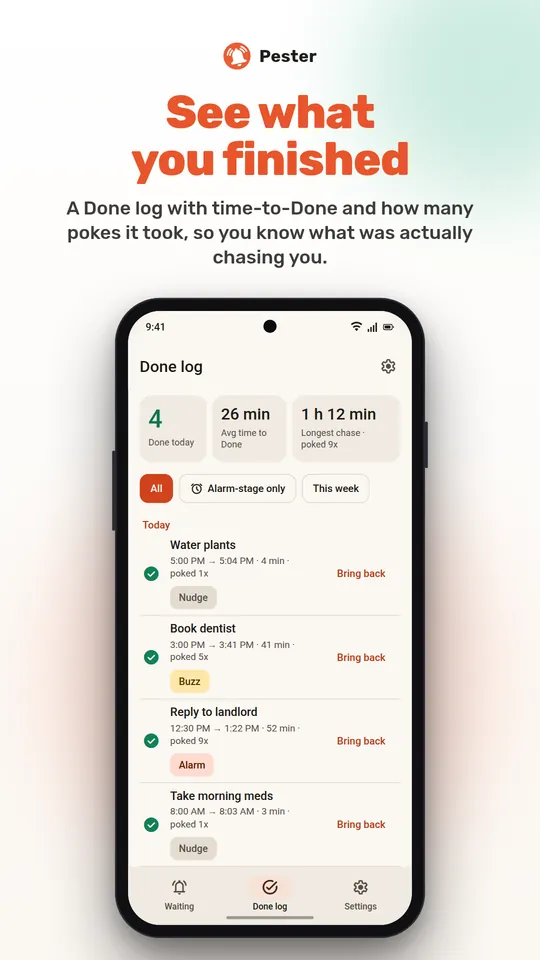
What you finished, how long each thing took to chase you, your longest chase. Bring anything back with one tap. Entries clear themselves after 30 days.
How it works
"What must get done?" A task, a time, and optionally how often to poke and when to escalate. Defaults are sensible.
At the time you set, a Nudge. Every few minutes after that, another one, climbing to Buzz and then Alarm the longer you leave it.
That is the only thing that ends it. Or snooze and reschedule if you honestly cannot right now.
Home-screen widget showing what is waiting on you · Quick Settings tile for a new pester · a reliability check in Settings with a 3-second test poke · export and import your reminders as a JSON file.
Pricing
No subscription, no ads, nothing to renew. Try it free with three reminders at a time; unlock unlimited whenever you want.
Up to 3 active reminders, every feature, forever.
Unlimited active reminders. Paid through Google Play, kept forever on your Google account.
FAQ
Snooze it for 10 minutes or an hour, or reschedule it to a real time. Snoozing pauses the loop; it does not end it. Forget it ends it, no judgement.
Only if you turn on "Bypass Do Not Disturb" in Settings, which asks Android for the extra permission. It is off by default, and quiet hours let you silence pokes at night without stopping them.
Because nagging on time is hard on Android. Each one is listed below with the reason. The reliability check in Settings shows which are granted and offers a Fix button for each. Pester has no reason to talk to the internet and does not.
No. There is no account, no cloud, no analytics. Your reminders live in Pester's own storage on the phone. Back them up yourself with Export.
Permissions
Each one is asked for at the moment it is needed, with an explanation on screen first. The reliability check in Settings shows what is granted.
Free for three reminders, the full ladder, no ads.